
Original 2007 deck · 22 slides. Click a thumbnail or scroll down for the full breakdown.
Dropbox
Drew Houston and Arash Ferdowsi pitched Dropbox to Sequoia Capital in September 2007 with a deck that made file sync feel obvious. The original 17 slides are famously plain, bold headlines, short bullets, one product demo, and helped close a $1.2M seed round after Y Combinator. Circulated PDF copies often append five promotional slides at the end; slides 1–17 are Houston's pitch, and the rest are third-party appendix material bundled with rehosted decks.
Original 2007 deck · 22 slides. Click a thumbnail or scroll down for the full breakdown.
Dropbox logo, tagline "Moving the world's files," and getdropbox.com URL on a white cover.
No raise amount, no team photo, just category and mission. Investors know they're looking at cloud storage in one glance, the same restraint Airbnb used on its cover line.
Headline "Storage is a mess" over a photo of a cluttered desk, cables, CRT monitors, stacks of paper, and half-working hardware.
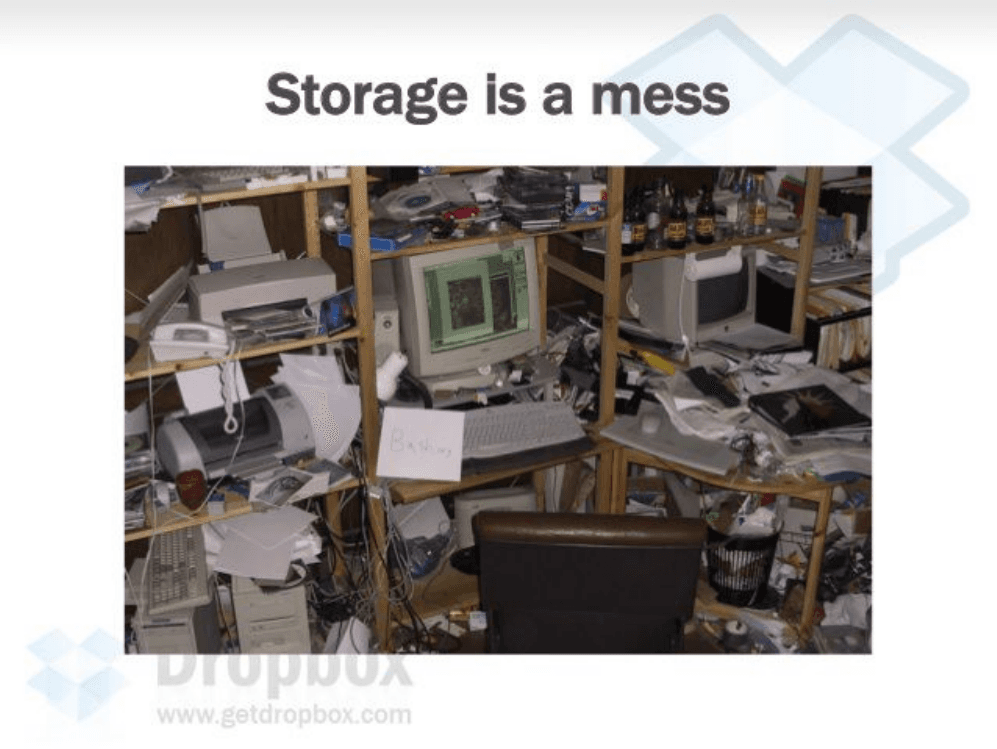
The visual does the emotional work before any bullet points. Shows a felt frustration, digital chaos, instead of opening with TAM or technology.
"It's 2007, and it's still a pain to…", work on multiple computers, share files across a team, put photos and video on the web, and protect files from loss.
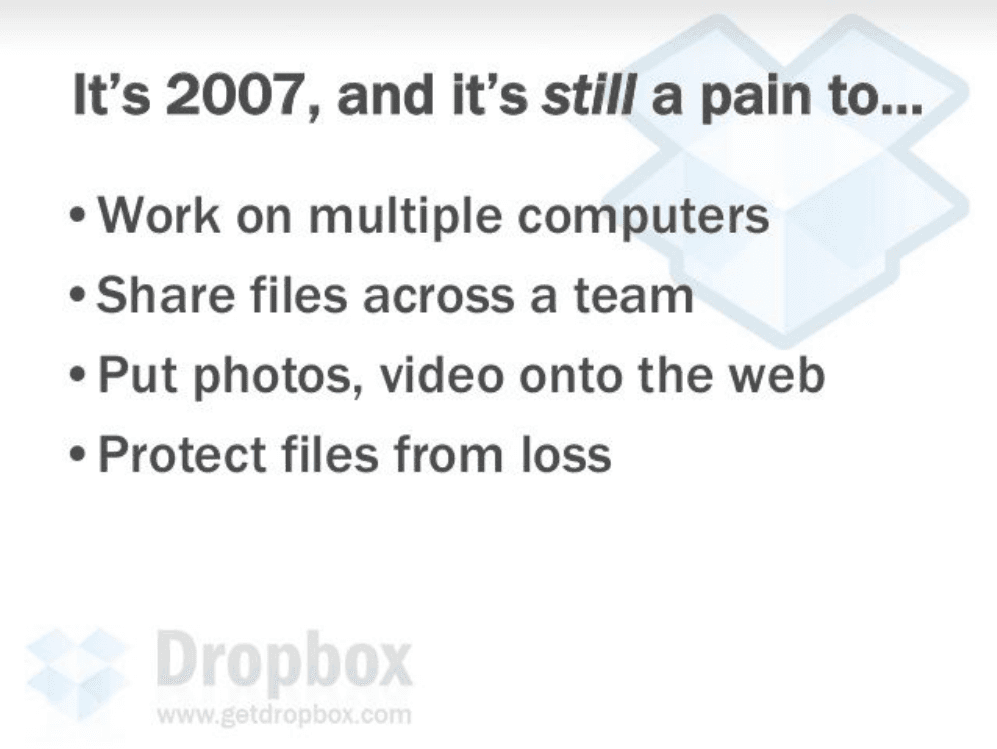
Four concrete jobs-to-be-done, not one abstract problem statement. Each line maps to a use case investors and users already recognize from daily work.
What are people doing now? Email attachments, USB drives, browser uploads, and piecemeal solutions.
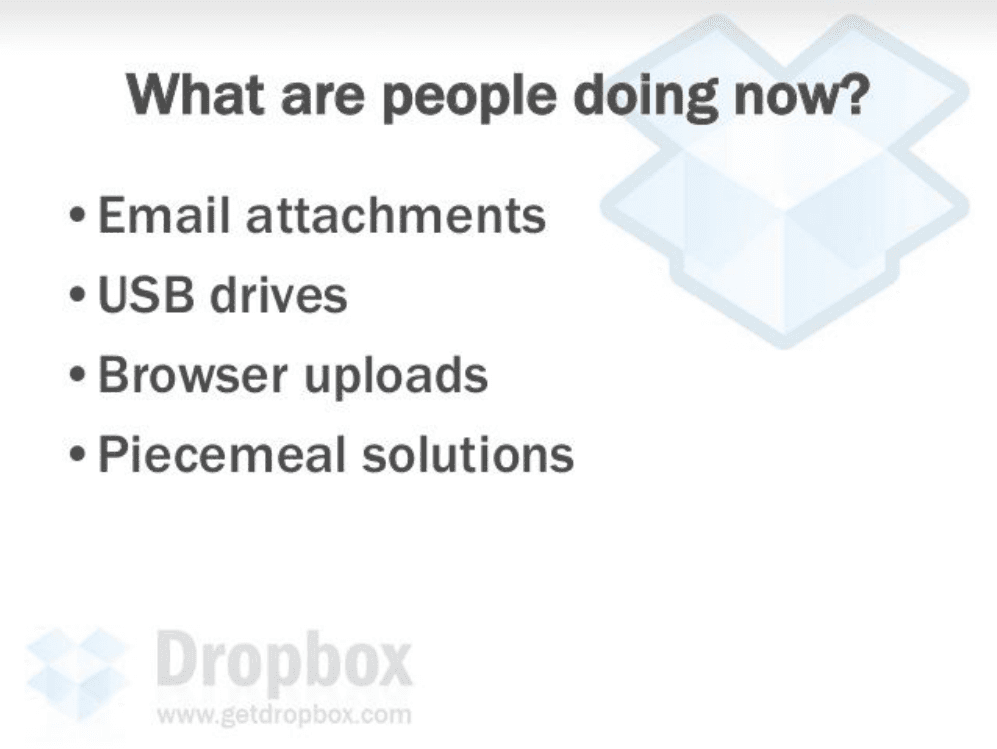
Naming bad alternatives sets up the wedge, every item is slow, fragile, or siloed. Houston shows he understands behavior before pitching magic.
In a perfect world: files available on any device, never worry about losing data, and sharing or publishing media is drag-and-drop.
The "perfect world" frame turns features into outcomes. Investors hear ubiquity, backup, and simplicity, the three promises the product slide will deliver.
Dropbox keeps files in sync across computers, backed up, accessible from anywhere, easy to share. "It just works."
Solution bullets mirror the vision slide 1:1, then land on the famous closer. Short copy plus a memorable line beats a paragraph of technical jargon.
Screenshots of the web dashboard, Windows Explorer "My Dropbox" folder with green sync checkmarks, and Mac Finder right-click "Copy public link."
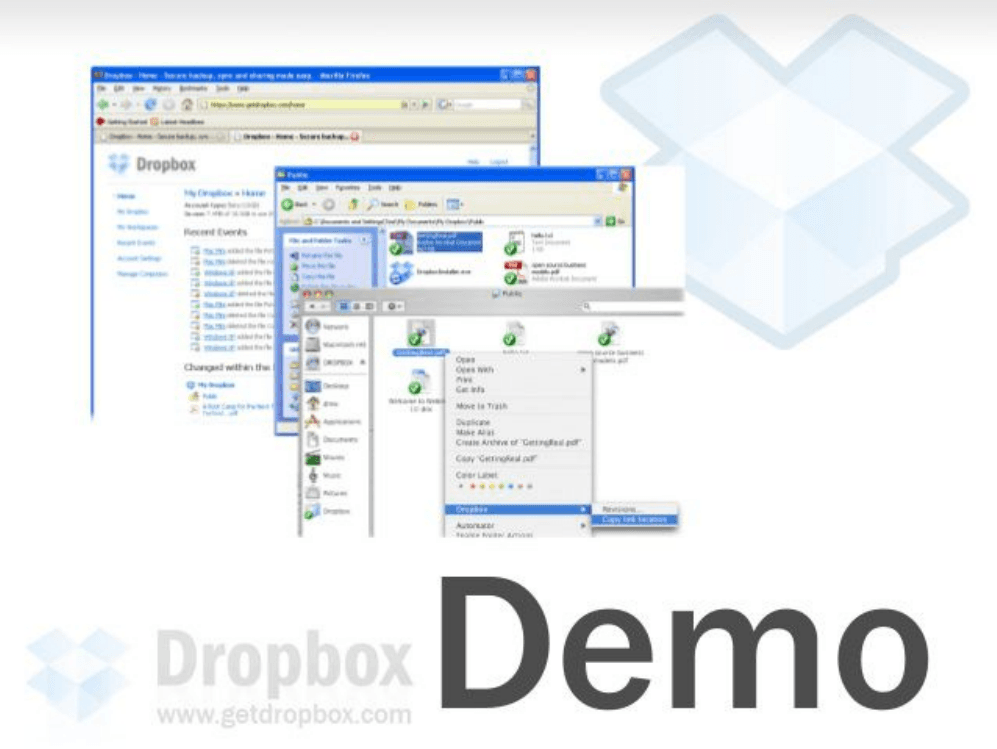
The deck's hinge slide, proof the product exists and feels native on Mac and Windows. Houston famously reinforced this with a Hacker News demo video; here the stills do the same job in the room.
More devices and bigger files, distributed teams, falling bandwidth and storage costs, and online storage as unclaimed territory "much like search pre-Google."
Timing slide mixes macro trends with a bold analogy. The Google comparison signals category size without putting a dollar figure on TAM, confidence through narrative.
One app solves the entire storage genre; deep OS integration with visual feedback; doesn't change how you work; open APIs link desktop and web apps.
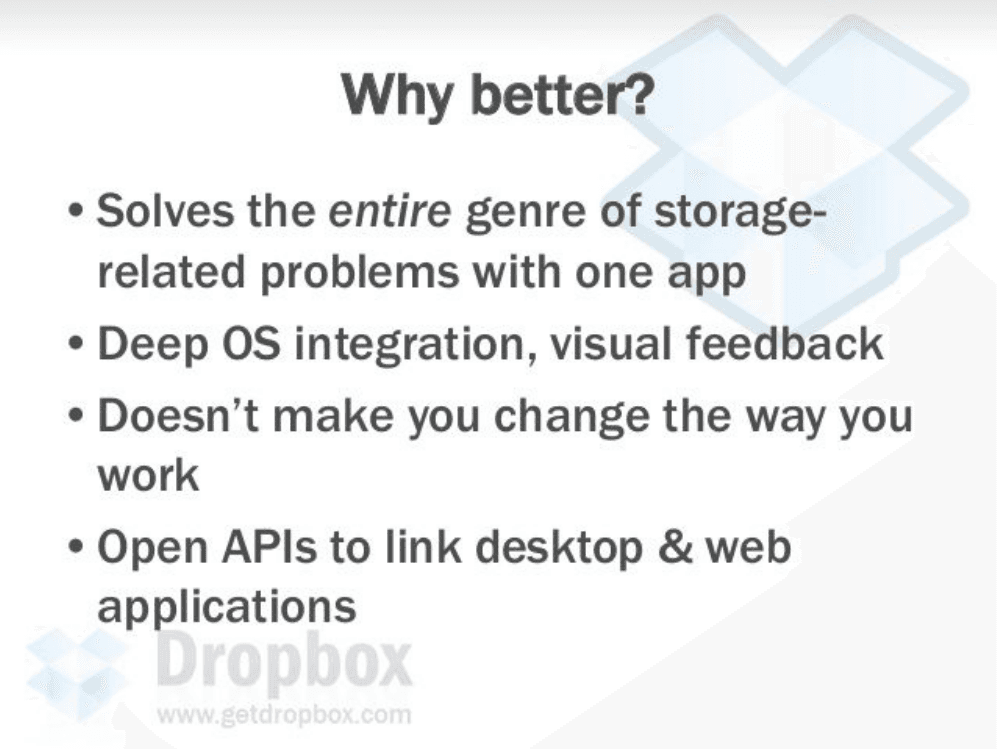
Differentiation in user-experience language, not a feature checklist. "Doesn't make you change the way you work" is the adoption insight enterprise sync tools missed.
Feature grid: Dropbox vs Carbonite/Mozy, Foldershare, and box.net across sync, backup, sharing, OS integration, web access, and versioning.
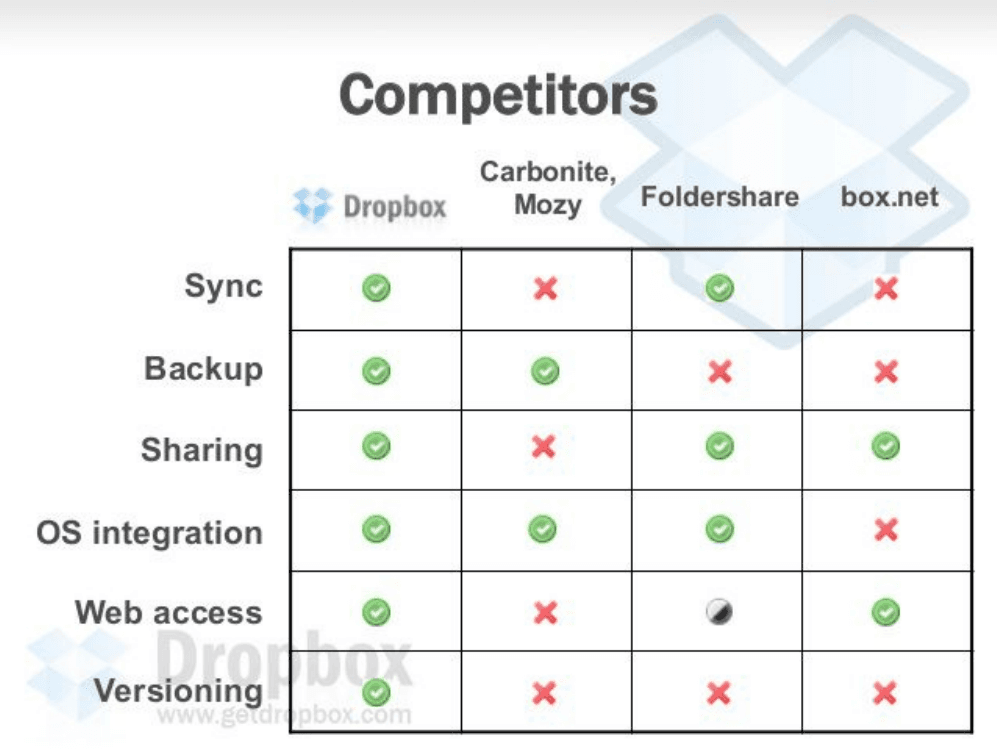
Dropbox is the only column with green checks in every row. A matrix beats prose, investors see the white space in one scan instead of debating incumbents slide by slide.
Incumbents only tackle small pieces, execute poorly, ship clumsy configurable UIs, and lack distribution and partners.
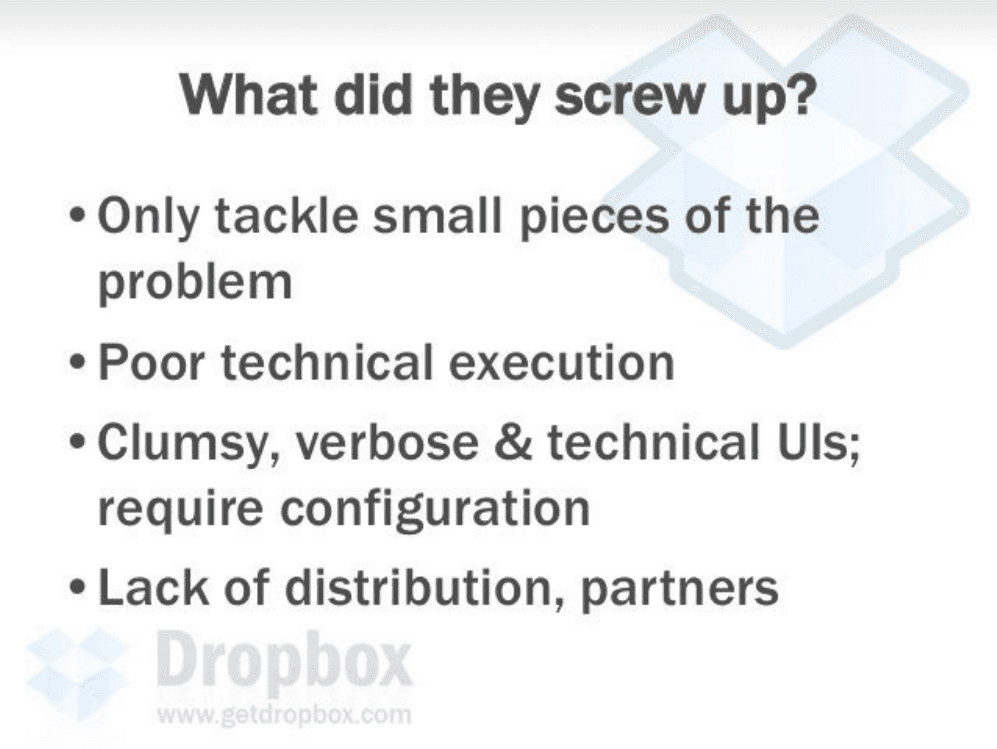
After the matrix, this slide explains why rivals stay weak, not arrogance, but structural failure. Founders answer "why won't Box crush you?" before investors ask.
Python client and server for faster development, Amazon S3 and EC2 for scale, performance obsession, and seamless compression, encryption, binary diffing, and failure recovery.
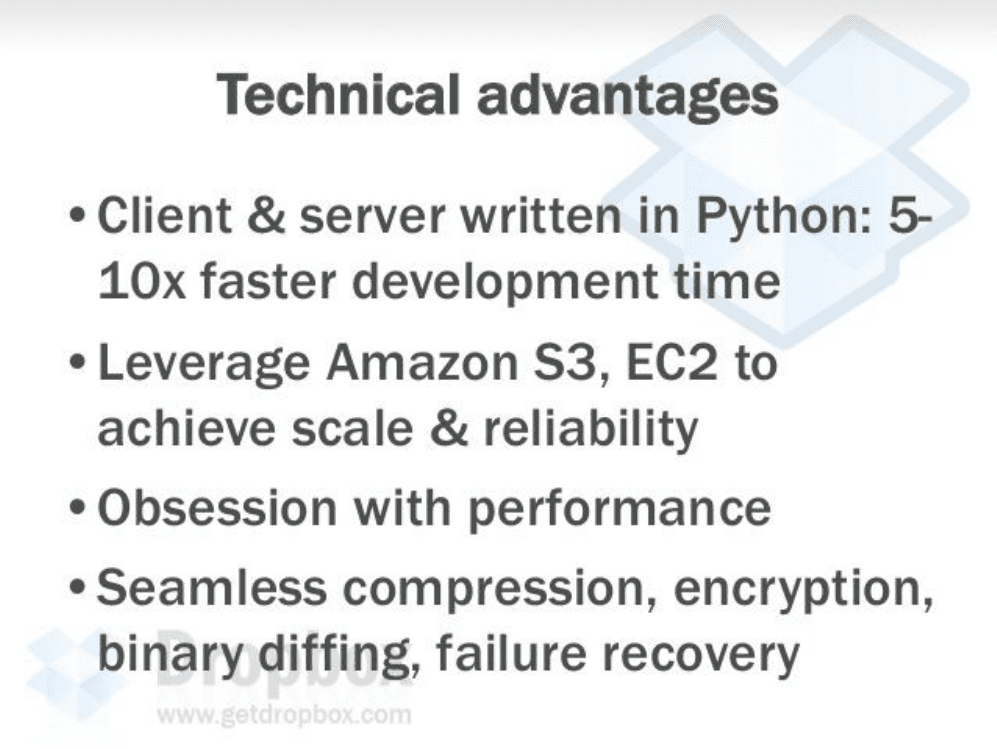
Four bullets that sound like an engineering blog, not marketing. Binary diffing and failure recovery signal real sync IP, the slide earns trust with Sequoia's technical partners.
Drew Houston (CEO) and Arash Ferdowsi (CTO), both MIT EECS, with SAT-prep founder story, Google experience, and a photo captioned "Moving into our first office, 5/14/07."
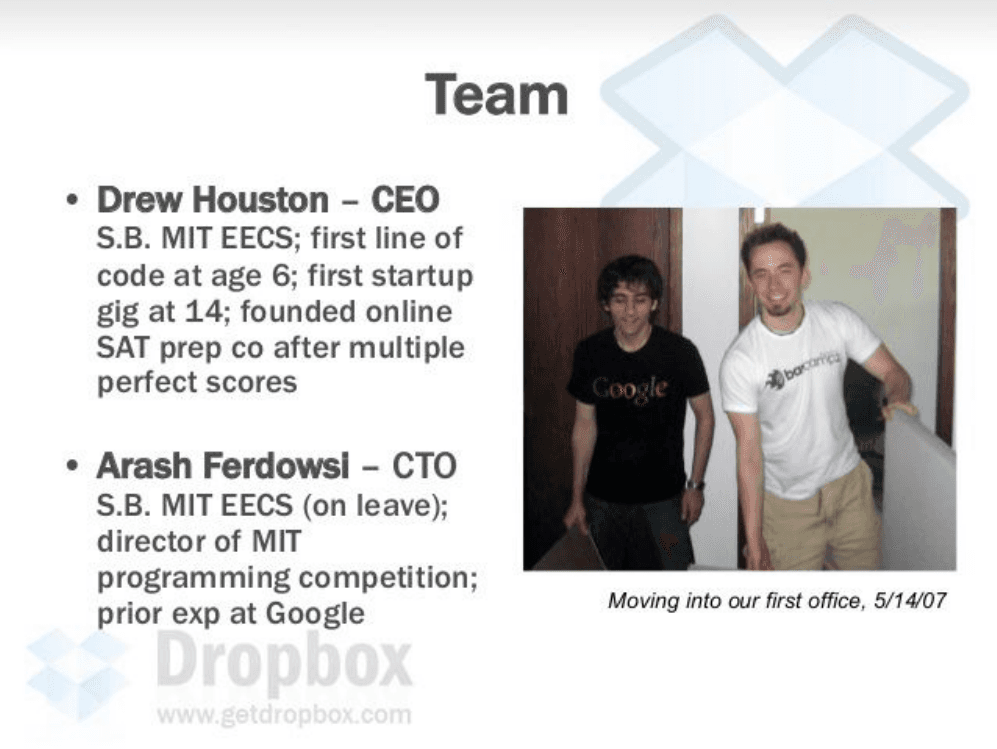
Credentials plus a scrappy office photo. MIT pedigrees without a LinkedIn wall of logos. YC famously told Houston to find a co-founder; this slide shows the team that closed the round.
Individuals on freemium; SMB per-seat shared-folder licenses replacing backup, Windows file share, and collaboration tools; platform play brokering desktop UGC to the web.
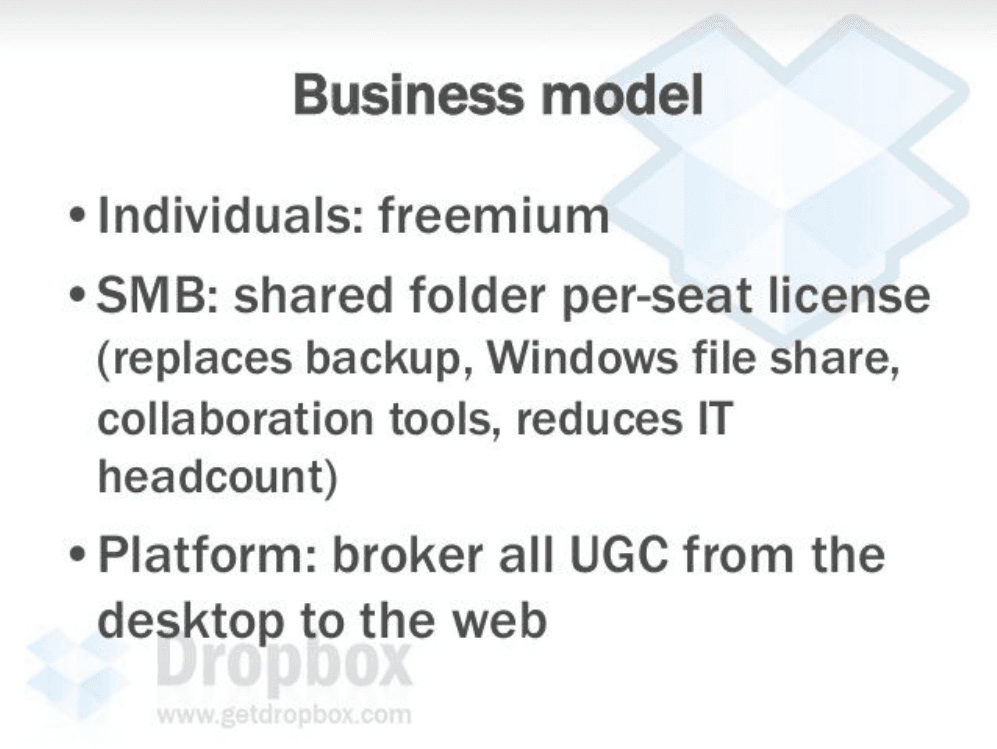
Three revenue layers on one slide, consumer wedge, SMB expansion, platform upside. Investors see a path from free users to paid seats without a pricing spreadsheet.
Dropbox as the onramp for all user-generated content from desktop to web, drag-and-drop for users, more uploads and fewer failures for web apps, with delegated access to third-party apps.
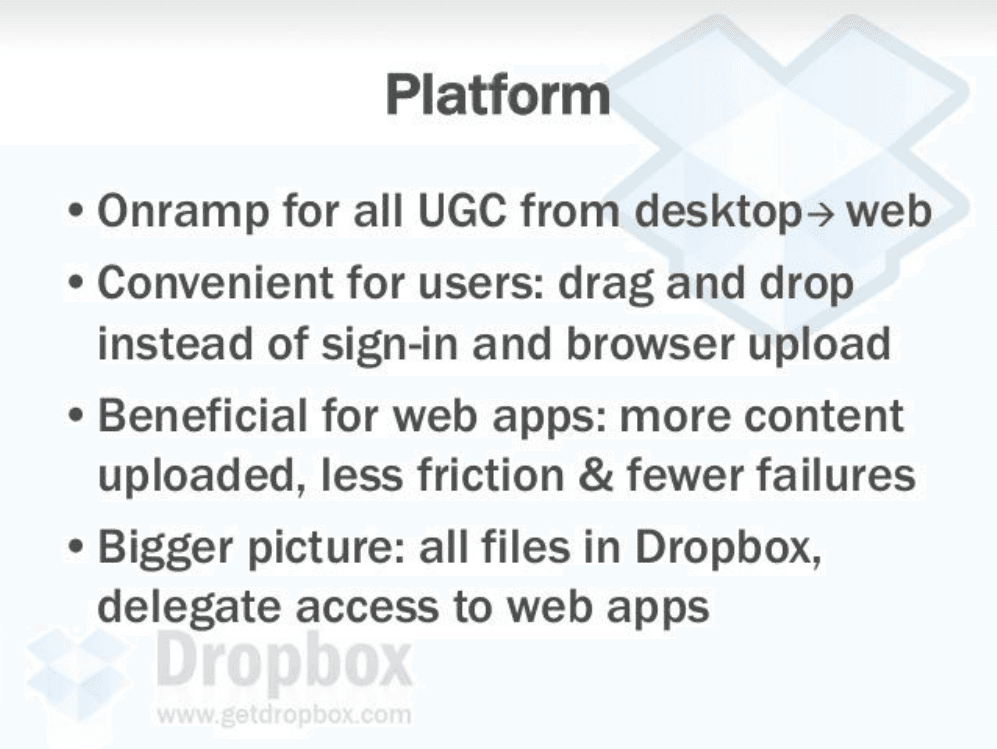
Platform vision without losing the core story. Houston argues Dropbox becomes infrastructure, the folder every app reads from, which justifies a much larger outcome than backup alone.
Early-adopter love and natural influencers, free individual accounts, viral file sharing and shared folders, and platform partnerships for free acquisition.
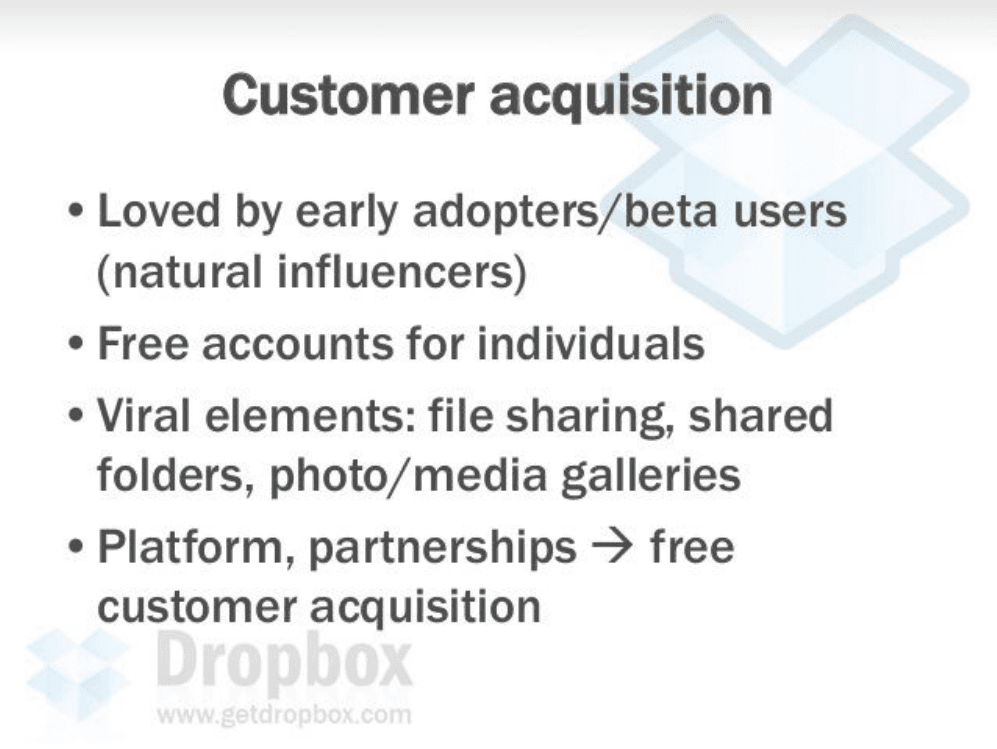
GTM as product mechanics, shared folders invite collaborators, which is the growth loop that later drove Dropbox's legendary referral program. Distribution is built into the feature set.
Ranked #1 among summer Y Combinator startups, with a VentureBeat quote praising the interface that blends seamlessly into Windows and OS X.
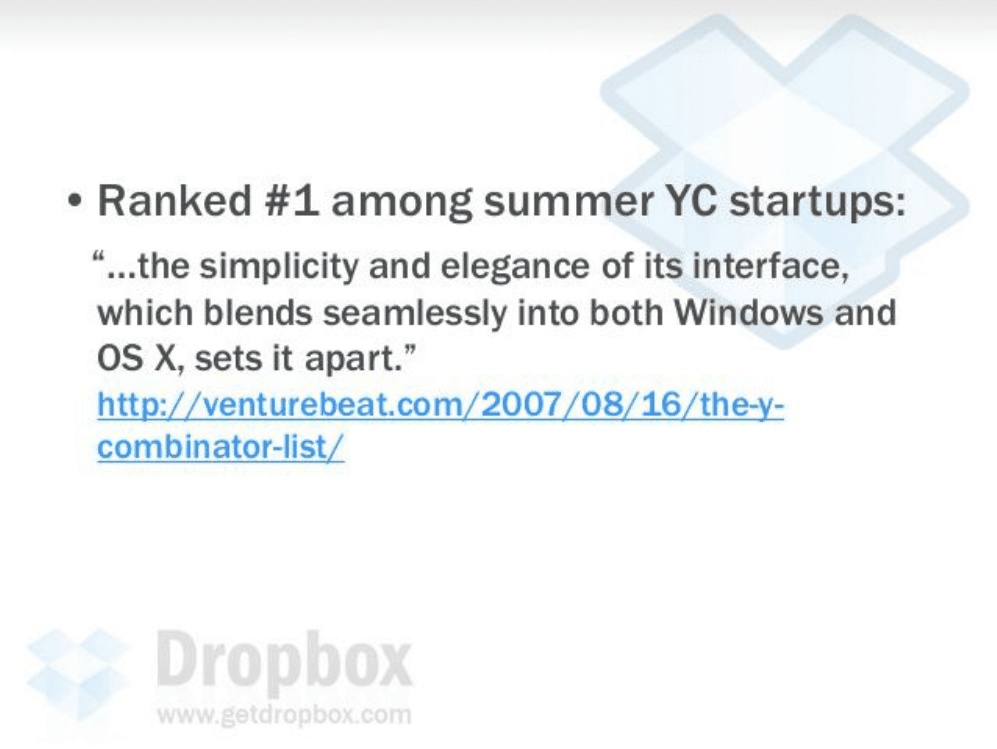
One credible press citation beats a metrics dump pre-launch. YC ranking plus cross-platform praise reinforces the demo slide, investors hear third-party validation of what they just saw.
Promotional slide from Perfect Pitch Deck. "Share YOUR story, not others" with advice to write bullet points in Word before designing slides.
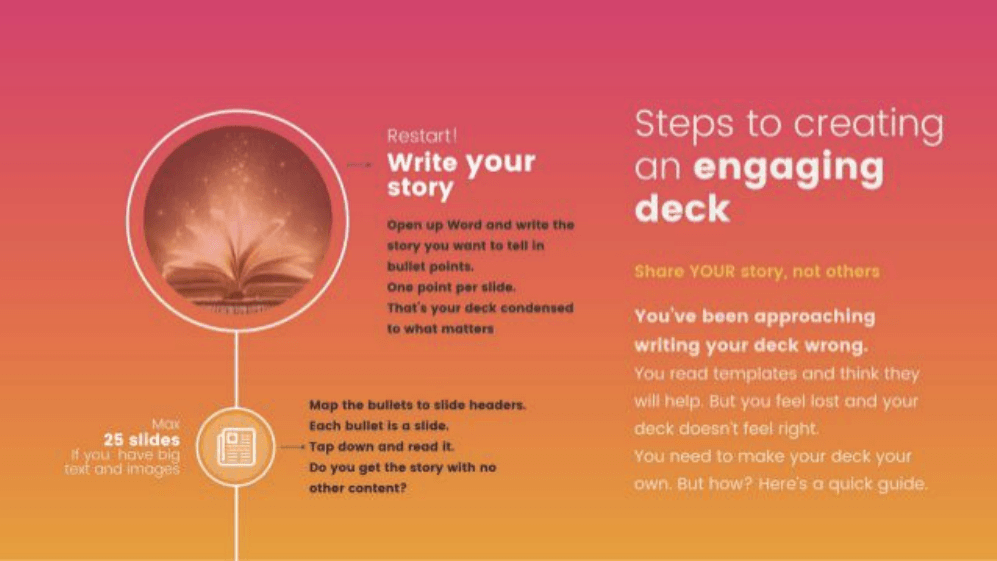
Not part of Houston's original Sequoia deck, appended in circulated PDF copies. Useful meta-advice (story first, headers as outline), but founders studying Dropbox should treat slides 18–22 as rehost noise.
Perfect Pitch Deck framework: engage with story, add emotive imagery, audit and reduce text, and take the "flick test" every five seconds.
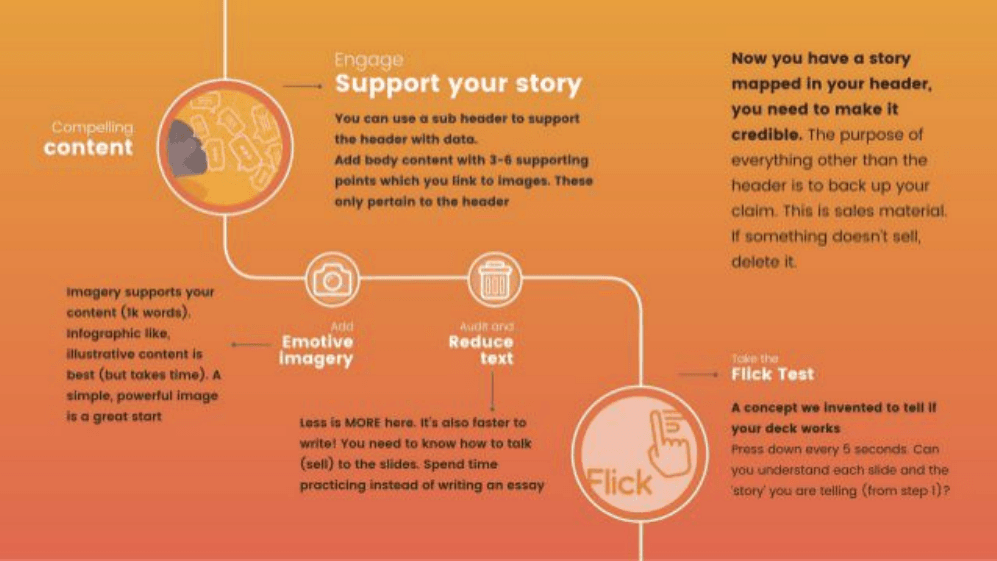
Third-party deck-design guidance bundled after the real pitch. Ironically, Dropbox's original 17 slides already follow this philosophy, minimal text, demo imagery, headers that tell the story alone.
Perfect Pitch Deck promo. "Fundraising is a bitch" copy offering format audits and pro help from ex-VC founders.
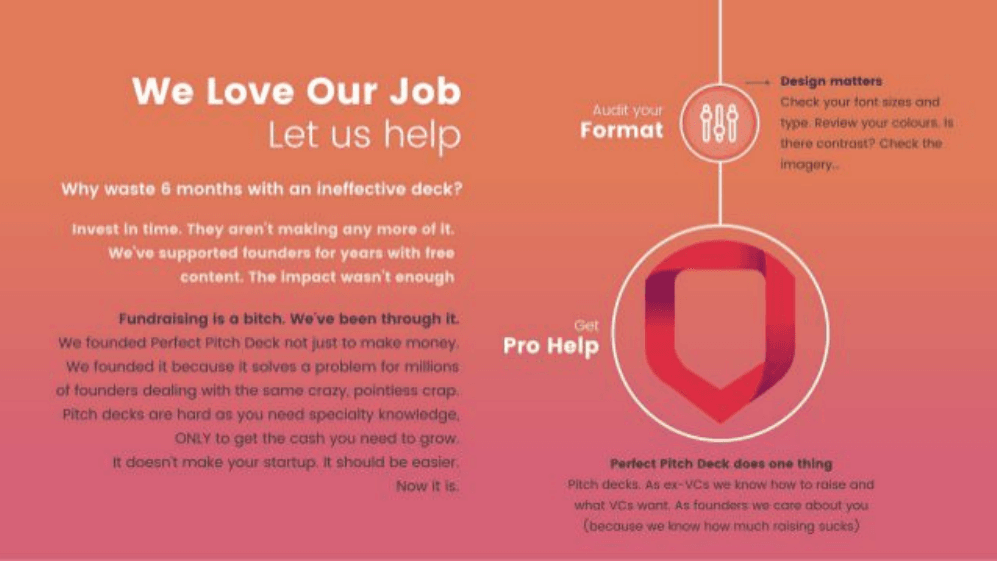
Service marketing, not investor content. When downloading historical decks online, check where the company's story ends and appendix ads begin. GenPPT labels this so SEO readers aren't misled.
Call-to-action for a free pitch deck audit at perfectpitchdeck.com and help@perfectpitchdeck.com.
Closing CTA from the rehosting site, not Dropbox. The authentic pitch ends at slide 17 with YC social proof, everything after is how deck libraries monetize traffic.
chagency promotional outro, links to chagency.co.uk/getstartupfunding and founder Daniel's social profiles.

Archive attribution slide from the design agency that redistributed the deck. Founders should cite the 2007 Sequoia original (17 slides) when pitching, not the 22-slide bundle with ads attached.
Join 100,000+ professionals creating presentations worth presenting.
Dropbox
Drew Houston and Arash Ferdowsi pitched Dropbox to Sequoia Capital in September 2007 with a deck that made file sync feel obvious. The original 17 slides are famously plain, bold headlines, short bullets, one product demo, and helped close a $1.2M seed round after Y Combinator. Circulated PDF copies often append five promotional slides at the end; slides 1–17 are Houston's pitch, and the rest are third-party appendix material bundled with rehosted decks.
Original 2007 deck · 22 slides. Click a thumbnail or scroll down for the full breakdown.
Dropbox logo, tagline "Moving the world's files," and getdropbox.com URL on a white cover.
No raise amount, no team photo, just category and mission. Investors know they're looking at cloud storage in one glance, the same restraint Airbnb used on its cover line.
Headline "Storage is a mess" over a photo of a cluttered desk, cables, CRT monitors, stacks of paper, and half-working hardware.
The visual does the emotional work before any bullet points. Shows a felt frustration, digital chaos, instead of opening with TAM or technology.
"It's 2007, and it's still a pain to…", work on multiple computers, share files across a team, put photos and video on the web, and protect files from loss.
Four concrete jobs-to-be-done, not one abstract problem statement. Each line maps to a use case investors and users already recognize from daily work.
What are people doing now? Email attachments, USB drives, browser uploads, and piecemeal solutions.
Naming bad alternatives sets up the wedge, every item is slow, fragile, or siloed. Houston shows he understands behavior before pitching magic.
In a perfect world: files available on any device, never worry about losing data, and sharing or publishing media is drag-and-drop.
The "perfect world" frame turns features into outcomes. Investors hear ubiquity, backup, and simplicity, the three promises the product slide will deliver.
Dropbox keeps files in sync across computers, backed up, accessible from anywhere, easy to share. "It just works."
Solution bullets mirror the vision slide 1:1, then land on the famous closer. Short copy plus a memorable line beats a paragraph of technical jargon.
Screenshots of the web dashboard, Windows Explorer "My Dropbox" folder with green sync checkmarks, and Mac Finder right-click "Copy public link."
The deck's hinge slide, proof the product exists and feels native on Mac and Windows. Houston famously reinforced this with a Hacker News demo video; here the stills do the same job in the room.
More devices and bigger files, distributed teams, falling bandwidth and storage costs, and online storage as unclaimed territory "much like search pre-Google."
Timing slide mixes macro trends with a bold analogy. The Google comparison signals category size without putting a dollar figure on TAM, confidence through narrative.
One app solves the entire storage genre; deep OS integration with visual feedback; doesn't change how you work; open APIs link desktop and web apps.
Differentiation in user-experience language, not a feature checklist. "Doesn't make you change the way you work" is the adoption insight enterprise sync tools missed.
Feature grid: Dropbox vs Carbonite/Mozy, Foldershare, and box.net across sync, backup, sharing, OS integration, web access, and versioning.
Dropbox is the only column with green checks in every row. A matrix beats prose, investors see the white space in one scan instead of debating incumbents slide by slide.
Incumbents only tackle small pieces, execute poorly, ship clumsy configurable UIs, and lack distribution and partners.
After the matrix, this slide explains why rivals stay weak, not arrogance, but structural failure. Founders answer "why won't Box crush you?" before investors ask.
Python client and server for faster development, Amazon S3 and EC2 for scale, performance obsession, and seamless compression, encryption, binary diffing, and failure recovery.
Four bullets that sound like an engineering blog, not marketing. Binary diffing and failure recovery signal real sync IP, the slide earns trust with Sequoia's technical partners.
Drew Houston (CEO) and Arash Ferdowsi (CTO), both MIT EECS, with SAT-prep founder story, Google experience, and a photo captioned "Moving into our first office, 5/14/07."
Credentials plus a scrappy office photo. MIT pedigrees without a LinkedIn wall of logos. YC famously told Houston to find a co-founder; this slide shows the team that closed the round.
Individuals on freemium; SMB per-seat shared-folder licenses replacing backup, Windows file share, and collaboration tools; platform play brokering desktop UGC to the web.
Three revenue layers on one slide, consumer wedge, SMB expansion, platform upside. Investors see a path from free users to paid seats without a pricing spreadsheet.
Dropbox as the onramp for all user-generated content from desktop to web, drag-and-drop for users, more uploads and fewer failures for web apps, with delegated access to third-party apps.
Platform vision without losing the core story. Houston argues Dropbox becomes infrastructure, the folder every app reads from, which justifies a much larger outcome than backup alone.
Early-adopter love and natural influencers, free individual accounts, viral file sharing and shared folders, and platform partnerships for free acquisition.
GTM as product mechanics, shared folders invite collaborators, which is the growth loop that later drove Dropbox's legendary referral program. Distribution is built into the feature set.
Ranked #1 among summer Y Combinator startups, with a VentureBeat quote praising the interface that blends seamlessly into Windows and OS X.
One credible press citation beats a metrics dump pre-launch. YC ranking plus cross-platform praise reinforces the demo slide, investors hear third-party validation of what they just saw.
Promotional slide from Perfect Pitch Deck. "Share YOUR story, not others" with advice to write bullet points in Word before designing slides.
Not part of Houston's original Sequoia deck, appended in circulated PDF copies. Useful meta-advice (story first, headers as outline), but founders studying Dropbox should treat slides 18–22 as rehost noise.
Perfect Pitch Deck framework: engage with story, add emotive imagery, audit and reduce text, and take the "flick test" every five seconds.
Third-party deck-design guidance bundled after the real pitch. Ironically, Dropbox's original 17 slides already follow this philosophy, minimal text, demo imagery, headers that tell the story alone.
Perfect Pitch Deck promo. "Fundraising is a bitch" copy offering format audits and pro help from ex-VC founders.
Service marketing, not investor content. When downloading historical decks online, check where the company's story ends and appendix ads begin. GenPPT labels this so SEO readers aren't misled.
Call-to-action for a free pitch deck audit at perfectpitchdeck.com and help@perfectpitchdeck.com.
Closing CTA from the rehosting site, not Dropbox. The authentic pitch ends at slide 17 with YC social proof, everything after is how deck libraries monetize traffic.
chagency promotional outro, links to chagency.co.uk/getstartupfunding and founder Daniel's social profiles.
Archive attribution slide from the design agency that redistributed the deck. Founders should cite the 2007 Sequoia original (17 slides) when pitching, not the 22-slide bundle with ads attached.
Join 100,000+ professionals creating presentations worth presenting.