

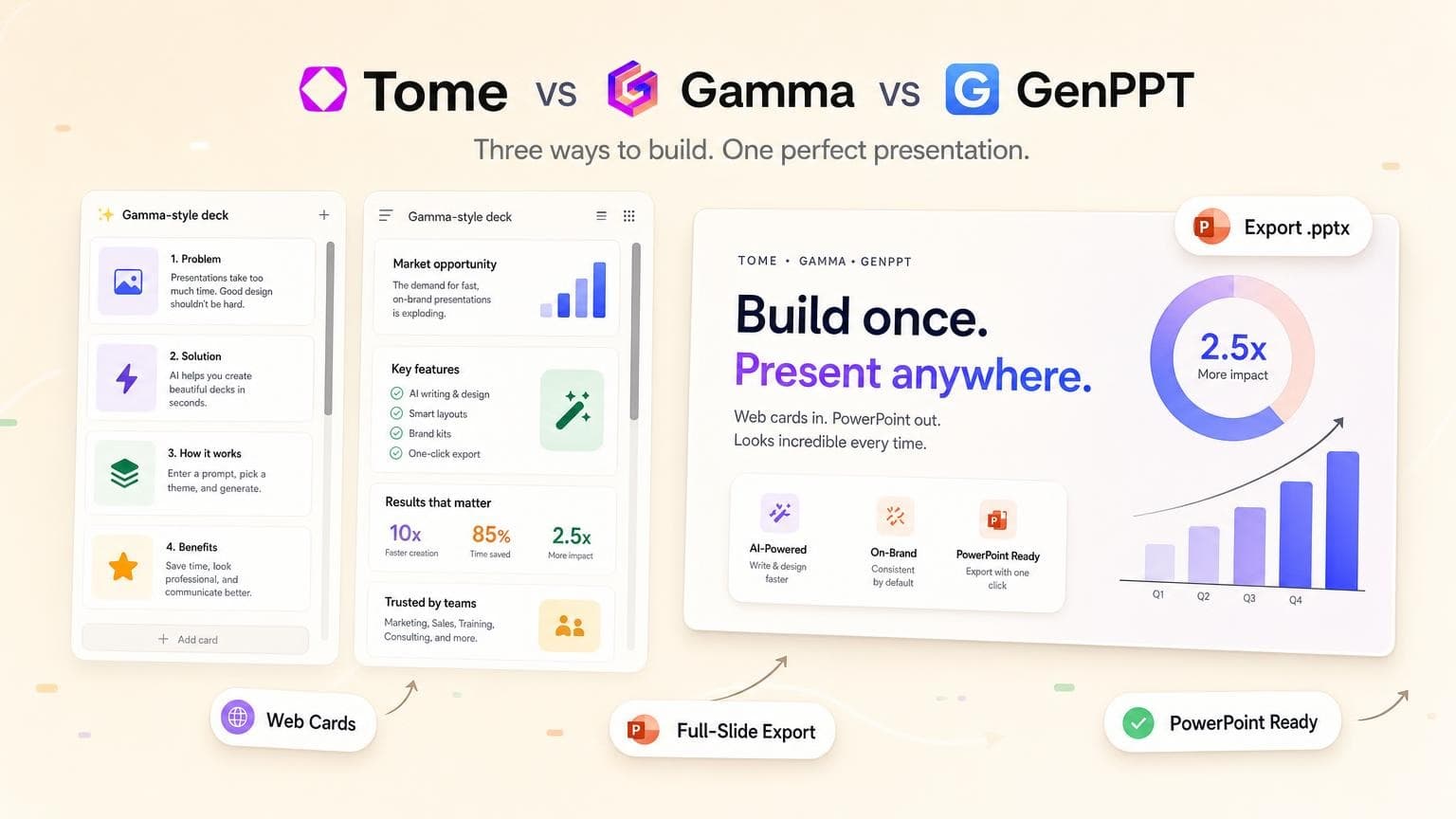
Tome and Gamma popularized AI-first presentations in the browser. Tome discontinued its presentation product, so if you still search "Tome vs Gamma," you pick between active tools. Gamma gets you scrollable, web-native card decks the fastest. GenPPT serves teams who need full-slide visuals and a PowerPoint export they can hand off without rebuilding layouts.
We compare all three on format, export, workflow, and pricing. If an old Tome bookmark brought you here, use the replacement picks in the sections below.
- Tome is discontinued. Do not plan new decks on it. Use GenPPT or
Gamma instead - Gamma wins on speed and browser-native editing with scrollable card blocks.
.pptxexport can shift layout on complex decks - GenPPT renders each slide as a designed image with outline approval and concept pick before render. Strongest for.pptxhandoffs - Web-native card tools (Gamma, former Tome) optimize for sharing links; full-slide export tools optimize for PowerPoint workflows - Budget 2–3 minutes for AI generation plus 10–15 minutes to fact-check before client-facing decks - For a broader market view, see Best AI PowerPoint Generators
Tome vs Gamma vs GenPPT at a glance
Prices checked against official pages in August 2026. Gamma uses credits on the free tier; GenPPT offers a first deck free with no credit card.
Web-native cards vs full-slide export: why it matters
Most "Tome vs Gamma" comparisons focus on speed and AI polish. Pick based on where the deck lives after generation.
Web-native card decks (Gamma, and Tome before shutdown) treat each section like a webpage block. You scroll vertically, edit text inline, and share a live link. Presentation mode works, but the native format is cards in the browser.
Full-slide export decks (GenPPT) render one designed image per slide. Layout, typography, charts, and imagery bake in. You export to .pptx or PDF. You trade draggable text boxes for visual consistency and a file that opens cleanly in PowerPoint.
If your team standardizes on PowerPoint, pick export fidelity. If you present from the browser and skip downloads, Gamma's card model wins on speed.
For teams leaving Prezi's zoom canvas for linear slides, our Best Prezi Alternatives guide covers similar format tradeoffs.
Tome (discontinued): what to use instead
Tome launched as an AI narrative presentation tool, part deck builder and part storytelling canvas. Users got scrollable pages with embedded media, closer to a microsite than a classic slide deck.
In 2024, Tome discontinued its presentation product and pivoted away from consumer deck creation. Old Tome decks may no longer be accessible, and you cannot create new presentations on the platform.
What Tome users miss:
- Fast AI first drafts from a short prompt
- Web-native sharing without opening PowerPoint
- Polished, editorial layouts with minimal design work
What to use instead in 2026:
Our dedicated Tome AI alternative page walks through GenPPT's workflow for teams migrating off Tome.
Gamma: fast web-native card decks
Best for: Teams that present from the browser, iterate quickly on copy, and share live links
Tradeoff: PowerPoint export works but is not the native format. Complex card layouts can lose spacing or typography in .pptx
Gamma replaces Tome for most users: prompt-to-deck, AI-written copy, and a card-based editor you refine in the browser. The same interface covers docs and lightweight websites.
Strengths:
- Speed: One of the fastest prompt-to-presentable flows we tested
- Browser-native editing: Adjust cards inline without export round-trips
- Collaboration: Real-time co-editing and comments on paid tiers
- Flexible output: Share link, PDF, or PowerPoint export
Limitations:
- Export fidelity: Simple decks export fine; multi-column cards, custom spacing, and embedded blocks can shift in PowerPoint
- Credit model: Free tier uses credits; heavy users hit limits faster than flat monthly plans
- Visual model: Cards with text blocks, not full-bleed designed slide images
Pricing (August 2026, from Gamma):
- Free: signup credits for trying AI generation
- Plus: roughly $10/month (annual billing often cheaper) for more credits, branding removal, and advanced features
For a direct GenPPT comparison, read our Gamma alternative page.
GenPPT: full-slide export for PowerPoint workflows
Best for: Decks that must open in PowerPoint with designed visuals: board updates, client pitches, training slides from documents
Tradeoff: Slides are rendered images, not draggable text boxes. No real-time multi-user canvas editing
GenPPT solves a different problem than Gamma: handoff quality. Instead of card blocks you edit in-browser, each slide is a designed image with layout, type, charts, and imagery rendered together.
How the workflow differs:
- Add a prompt, PDF, Word doc, or link
- Review and edit the slide-by-slide outline before design starts
- Pick a visual direction from a concept contact sheet
- Generate the deck, regenerate individual slides in chat
- Export
.pptxor PDF
The outline-and-concept step adds a few minutes upfront but cuts rework when you open the deck in PowerPoint on someone else's laptop.
Strengths:
- PowerPoint export: Native
.pptxfrom full-slide visuals - Document input: PDFs, Word files, and links, not just a one-line prompt
- Research depth: Optional web search for facts and citations
- Visual consistency: One designed image per slide, not rearranged template blocks
Limitations:
- Outline + chat editing: You refine via outline and chat regeneration instead of inline text boxes on each card
- No real-time co-editing: Teams review exports or share async
- Generation time: Budget a few minutes for outline, concept, and render, not sub-minute drafts
Pricing (August 2026, from GenPPT):
- Free: first deck without a credit card
- Paid: from ~$19/month or $99/year after a $1 trial; watermark-free export and higher limits (pricing →)
Tome vs Gamma vs GenPPT: full comparison table
Which tool should you pick?
Choose Gamma if you want the closest active replacement for Tome's fast browser workflow, you present from a share link, and occasional .pptx export is good enough for simple decks.
Choose GenPPT if PowerPoint handoff is non-negotiable, you start from documents or need outline control before visuals render, and you want full-slide design rather than card blocks.
Do not choose Tome for new work. The presentation app is discontinued. Migrate existing content to Gamma or GenPPT depending on whether you prioritize browser editing or PowerPoint export.
Still comparing broadly? Our Best AI PowerPoint Generators roundup tests 12+ tools with the same briefs, including Gamma and GenPPT side by side.
Frequently asked questions
Is Tome still available in 2026?
No. Tome discontinued its AI presentation product. You cannot rely on it for new decks. Use Gamma for web-native card decks or GenPPT for full-slide PowerPoint export.
Is Gamma better than Tome was?
Yes, if you need an active tool today. Gamma matches Tome's fast, browser-first workflow. Tome's narrative polish stood out, but without support, Gamma is the tool to use for new decks.
Tome vs Gamma: which is better for PowerPoint export?
For PowerPoint fidelity, start with GenPPT. Gamma exports .pptx but its native format is web cards, so layout can shift. If you must live in PowerPoint, compare GenPPT vs Gamma directly.
What is the best Tome AI alternative after shutdown?
GenPPT works when you want designed slides and .pptx export from prompts or documents. Gamma works when you want the fastest browser-native drafts. See our Tome AI alternative page for workflow details.
Gamma vs GenPPT: which is faster?
Gamma reaches a first draft faster from a prompt because it skips outline and concept approval. GenPPT adds those steps but produces full-slide visuals tuned for export. Expect 2–3 minutes of generation on either tool, plus review time.
Can I upload a PDF to Gamma or GenPPT?
Yes. Both accept document input. GenPPT emphasizes outline approval before rendering so extracted metrics and slide order match your source. For a step-by-step PDF workflow, read PDF to PowerPoint with AI.
Do these tools replace Prezi's zoom canvas?
No. Gamma and GenPPT stick to linear slides. Prezi's zoom canvas is a different format. If you are leaving Prezi, read Best Prezi Alternatives for format-specific picks.
How much do Gamma and GenPPT cost?
Gamma offers free signup credits; paid Plus plans start around $10/month (August 2026). GenPPT offers a free first deck; paid plans start around $19/month or $99/year after a $1 trial. Check each vendor's pricing page for current limits.
Conclusion: pick an active tool for your export path
The Tome vs Gamma debate assumed two live products with web-native ambitions. Tome is discontinued. Pick Gamma for browser-first card decks or GenPPT for full-slide PowerPoint export.
Run the same brief through both if you are undecided. Start with GenPPT when the deck must survive a .pptx handoff:
Create your first GenPPT deck free →
For deeper comparisons, see Gamma alternative, Tome AI alternative, and Best AI PowerPoint Generators.