
Powered by GenPPT
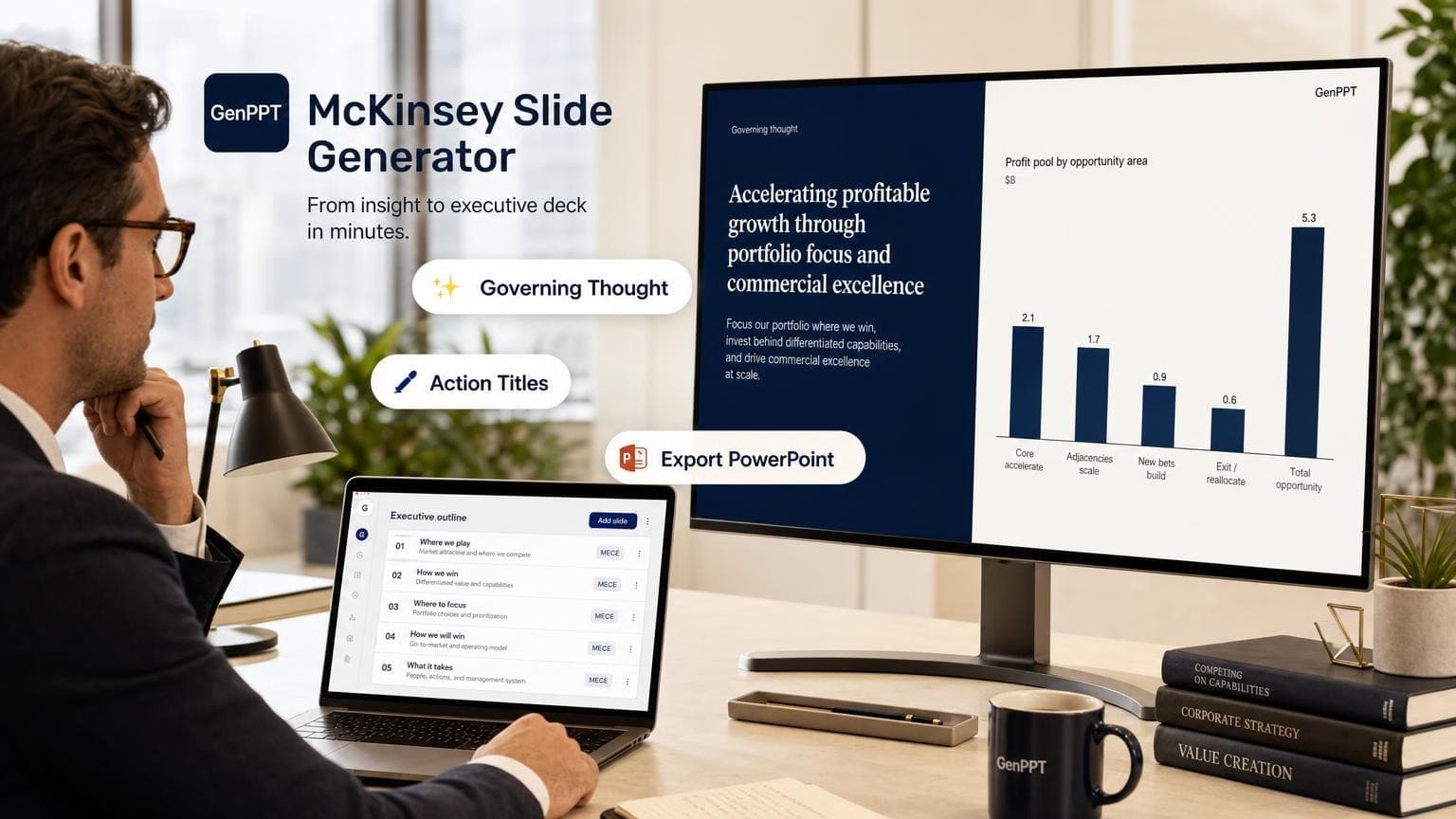
Free McKinsey Slide Generator
Turn a governing recommendation into consulting-style slides. Export as PowerPoint.
Not affiliated with McKinsey & Company.
How to use the McKinsey slide generator
Add the recommendation. Check the prompt. Ship the deck.
Enter your recommendation
State the governing thought, the answer you want approved. Add audience and optional source memo.
Preview the outline
Check the 8-slide consulting path and action titles free. No account required.
Generate and export
Sign in to build slides in GenPPT, approve action titles, then export .pptx.
Step 1
Enter your recommendation
State the governing thought, the answer you want approved. Add audience and optional source memo.
Enter recommendation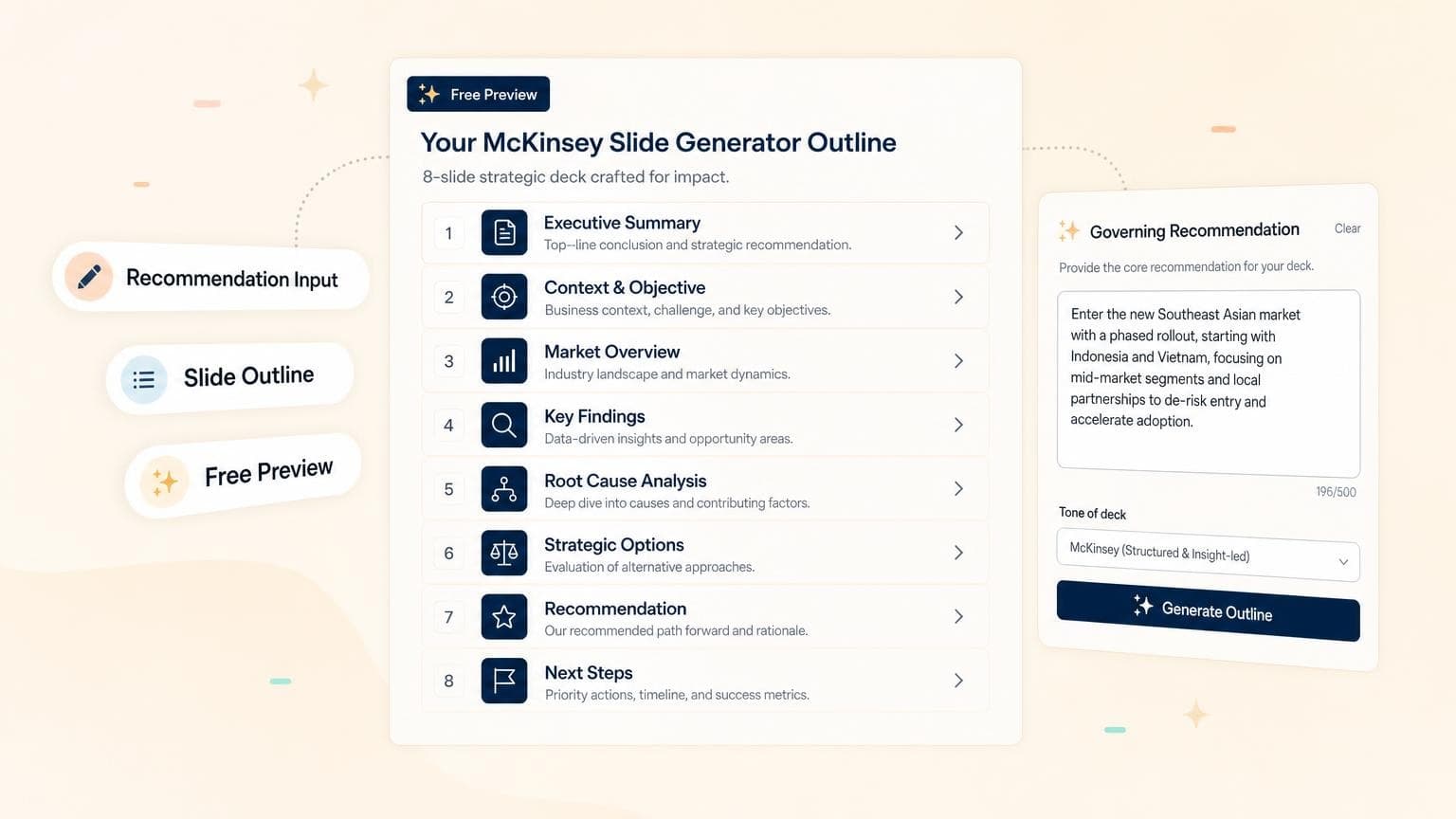
Step 2
Preview the outline
Check the 8-slide consulting path and action titles free. No account required.
Preview prompt
Step 3
Generate and export
Sign in to build slides in GenPPT, approve action titles, then export .pptx.
Generate deck
Frequently asked questions
Consulting structure, prompts, and GenPPT.