
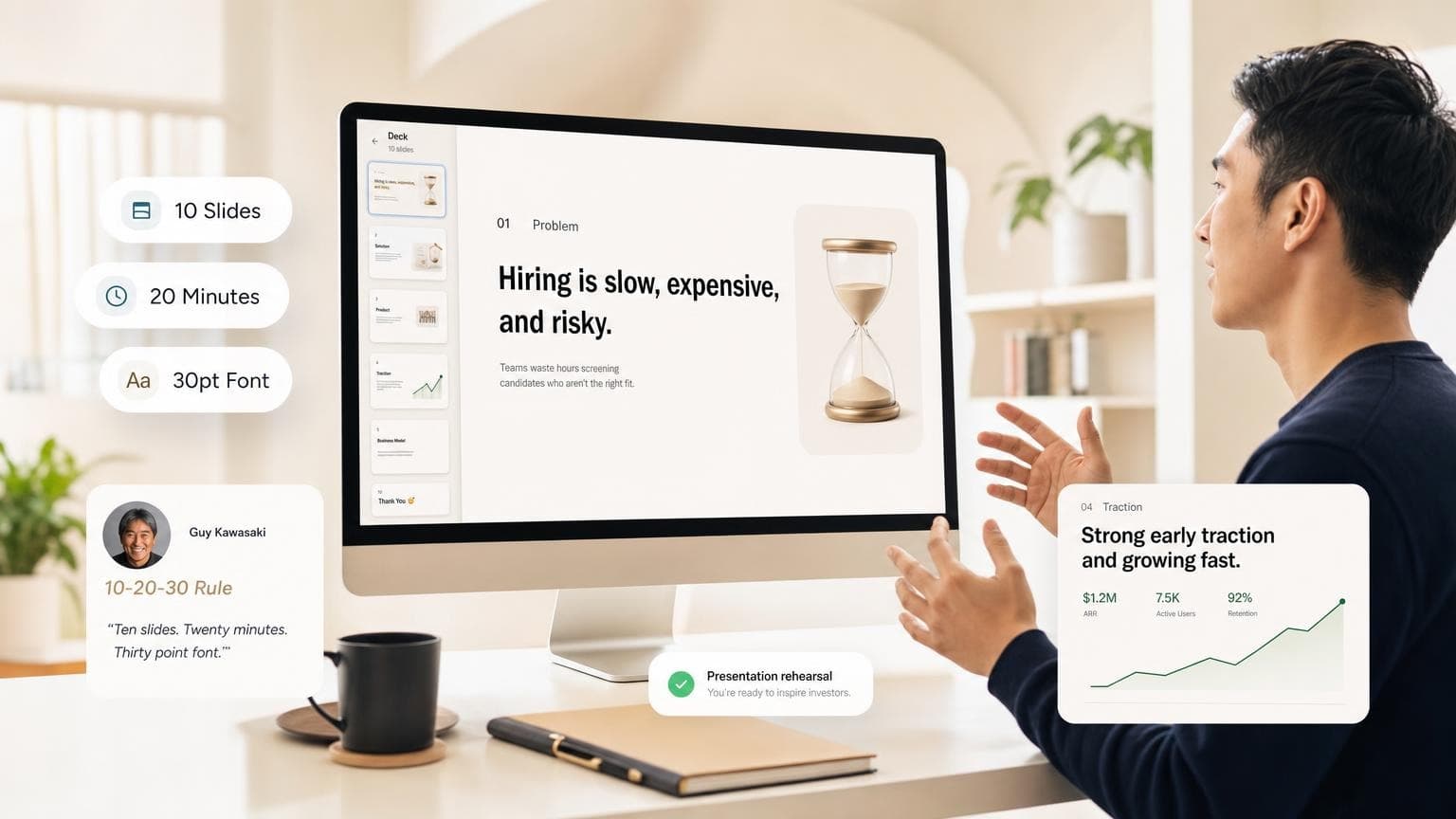
Guy Kawasaki's 10-20-30 rule sets three limits for presentations: 10 slides, 20 minutes, and 30-point minimum font. Kawasaki, venture capitalist and former Apple evangelist, built it after startup pitches that ran long, looked cluttered, and lost the room. Use it as a guardrail: short deck, legible type, one idea per slide.
Use it for a tight pitch. Break it when you teach step-by-step, walk through dense data, or run a workshop. Pair the rule with a slide count guide so your deck length matches your slot on stage.
- 10 slides, 20 minutes, 30-point font: one idea per slide, finish under time, type large enough to read from the back row
- Built for investor pitches and high-stakes sales talks where attention is scarce
- Kawasaki's ten-slide outline maps to a standard startup pitch: problem, solution, model, magic, go-to-market, competition, team, projections, status, ask
- Break the rule for training decks, technical deep dives, and data-heavy reviews. Add slides and time, but keep text readable
- At ~2 minutes per slide in a 20-minute talk, the rule lines up with the one slide per 1–2 minutes pacing most guides recommend
- GenPPT can draft a 10-slide outline from a brief; you approve structure before any visuals render
What is the 10-20-30 rule?
The 10-20-30 presentation rule says:
| Part | Rule | Why it matters |
|---|---|---|
| 10 | No more than ten slides | Forces one core message per slide; cuts filler |
| 20 | Present in twenty minutes or less | Matches how long most audiences stay engaged |
| 30 | Use thirty-point font minimum | Keeps text readable; limits how many words fit on screen |
Kawasaki popularized the rule in venture capital. Use it for any talk where you need clarity fast: sales demos, partner pitches, executive updates. You may hear it called the "10/20/30 rule of PowerPoint." The limits work in Keynote, Google Slides, and AI deck builders too.
Each constraint pushes you to say less on the slide and explain more out loud.
Who is Guy Kawasaki?
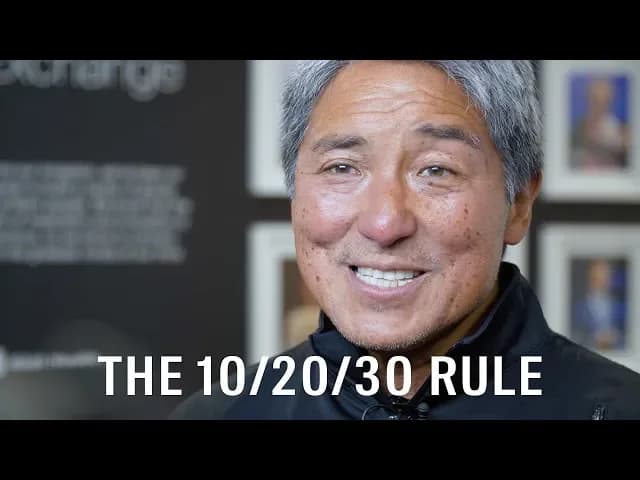
Guy Kawasaki marketed the original Macintosh at Apple in the 1980s, then spent years as a venture capitalist and author. He listened to thousands of startup pitches. He built the 10-20-30 rule from what worked: short decks, big type, story-driven slides. Failed pitches buried the ask under forty slides of appendix.
If you are building a fundraising deck, browse real examples on our pitch deck hub. Many follow a similar ten-slide spine even when the company adds appendix slides later.
10 slides: Kawasaki's pitch outline
For a startup pitch, Kawasaki suggests ten slides in this order. Each slide carries one job. If you need two jobs, you need two slides, which breaks the rule. Cut until you are back to ten.
| # | Slide | What to cover |
|---|---|---|
| 1 | Title / company | Name, one-line value prop, your name and role |
| 2 | Problem | Your customer's concrete pain |
| 3 | Solution | Your product or service in plain language |
| 4 | Business model | How you make money |
| 5 | Underlying magic | Technology, IP, or insight competitors cannot copy |
| 6 | Marketing & sales | How you reach customers; rough CAC if you have it |
| 7 | Competition | Honest landscape; where you win |
| 8 | Team | Why this group can execute |
| 9 | Projections & milestones | 3–5 year view; key metrics, skip spreadsheet screenshots |
| 10 | Status & ask | Traction so far, what you are raising, use of funds |
A room absorbs about ten concepts in one sitting. Extra slides pile on topics. Understanding stalls.
For topic inspiration beyond fundraising, see presentation ideas for any audience.
20 minutes: timing your talk
Twenty minutes caps your delivery. Block thirty or sixty on the calendar, but finish the scripted portion in twenty. That leaves time for questions, objections, and the conversation that closes deals.
Practical pacing:
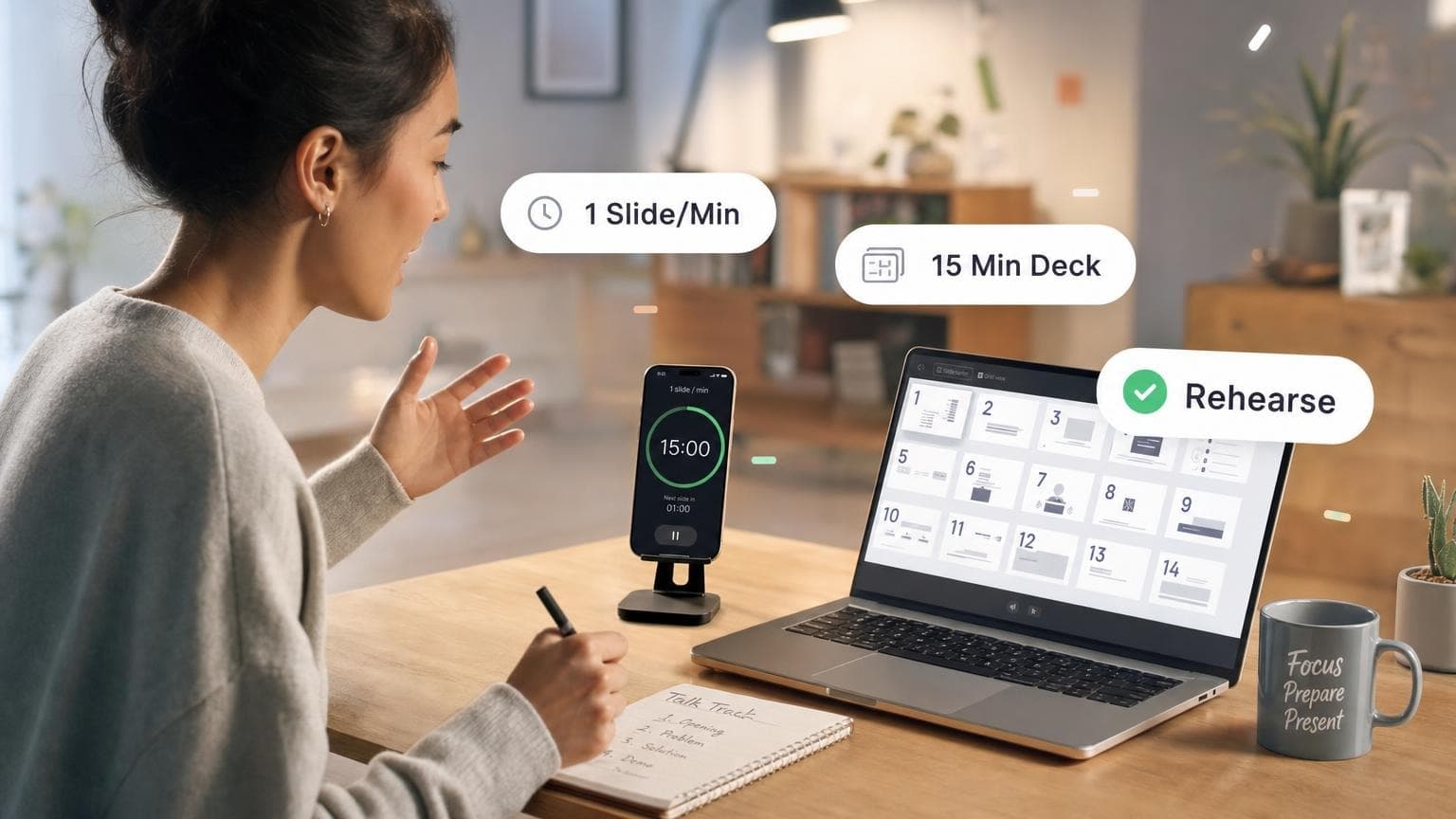
- ~2 minutes per slide across ten slides = twenty minutes of content
- Rehearse with a timer; cut slides or talking points if you run over at slide seven
- Leave the last two minutes for your ask and a pause. Do not rush the close.
That two-minutes-per-slide pace matches what most slides-per-minute guides recommend for live talks: about one slide every one to two minutes when you explain content instead of clicking through titles.
| Talk length | Slides at 10-20-30 pace | Slides at faster pace (1/min) |
|---|---|---|
| 5 min | 3–5 (rule is too strict) | 5 |
| 10 min | 5–7 | 10 |
| 20 min | 10 | 15–20 |
| 30 min | 10 + appendix or Q&A | 20–30 |
| 60 min | Break the rule | 30–45 + discussion |
Under the 10-20-30 rule, you present your slides; you don't read them aloud. For a lecture or workshop, use the slide-count guide for your slot and treat twenty minutes as a pitch-specific default.
30-point font: readability over density
The 30-point font rule means body text and bullets should be 30 pt or larger. Headlines can go bigger; footnotes and source citations should move to speaker notes or a handout, not shrink to 12 pt on screen.
Why it works:
- Back-row test: If the person farthest from the screen cannot read it, it does not belong on the slide
- Word budget: Large type limits how much text fits, which forces headlines instead of paragraphs
- Attention split: Audiences read or listen; dense slides split their attention
On a 16:9 slide, thirty-point body text means six words per line and no more than six lines, close cousins of the 5/5/5 rule (five words per line, five lines per slide, five text-heavy slides in a row). The 10-20-30 rule adds slide count and clock time on top of that density limit.
When the 10-20-30 rule works best
Use the rule for high-stakes talks with a hard time limit:
- Investor pitches: ten slides mirror how VCs scan a deck before a meeting
- Sales demos to executives who booked thirty minutes but expect you to finish early
- Conference keynotes with a hard stop and no encore
- Internal go/no-go decisions where the room needs one narrative, not a data dump
In a pitch, sales demo, or go/no-go meeting, the rule keeps you from the two common failures: too many slides and type too small to read. A focused deck also pairs well with AI outline tools. Describe the audience, ask for ten slides, then edit before anything gets designed. See how to create a PowerPoint with AI for that workflow.
When to break the rule
Kawasaki's rule is a pitch default. When the job changes, break it on purpose.
Training and onboarding
Teaching someone a new tool or process takes step-by-step slides. A twenty-minute onboarding session might need fifteen to twenty slides: one action per slide, screenshots, warnings. Keep the 30-point font when you add slides. Readability still matters.
Data-heavy reviews
Quarterly business reviews, research readouts, and analytics deep dives often need charts, tables, and appendix slides. You might run forty minutes with twenty-five slides if half are backup for questions. Move granular tables to a PDF handout; keep on-screen numbers large and labeled.
Workshops and classrooms
Facilitators use one slide per exercise plus timers, discussion prompts, and recap slides. Slide count follows activity count, not a venture formula. Use the slides-per-minute guide to estimate length from your agenda.
Technical and legal content
Engineering architecture reviews, compliance training, and spec walkthroughs need detail on the slide. Break the font rule only when the audience follows along at laptops. Prefer appendices over eight-point type on the main path.
Rule of thumb: Keep 10-20-30 for persuasion. Switch to slide-count math for education and appendix discipline for data.
How to apply 10-20-30 with GenPPT
You do not need to build the deck slide by slide from scratch. A tight brief gets you most of the way there:
- Open GenPPT and paste a short prompt: audience, goal, and "10 slides, 20-minute pitch, large headlines, minimal bullets."
- Approve the outline. Reorder slides to match Kawasaki's ten if you are fundraising
- Pick a clean visual concept (keynote-style, high contrast, generous whitespace)
- Export
.pptx, open in PowerPoint, and check font sizes before you present
GenPPT renders full-slide visuals, so "30-point font" shows up as large headline copy on the slide image. If a slide feels crowded, edit the outline or regenerate that slide with fewer bullets.
FAQ
What is the 10-20-30 rule for presentations?
Guy Kawasaki's guideline: ten slides, twenty minutes or less, and no font smaller than thirty points. You get a concise, readable pitch.
Who created the 10-20-30 rule?
Guy Kawasaki, venture capitalist and former Apple Macintosh evangelist. He developed the rule after thousands of overlong startup pitches.
Does the 10-20-30 rule only apply to PowerPoint?
No. The limits apply in PowerPoint, Keynote, Google Slides, and AI deck builders. Structure and readability matter more than the software brand.
What slides should a 10-slide pitch include?
Kawasaki's order: title, problem, solution, business model, underlying magic, marketing & sales, competition, team, projections & milestones, status & ask. Adapt labels to your stage, but keep one main idea per slide.
How many minutes per slide is 20 minutes and 10 slides?
About two minutes per slide if you use all ten. That aligns with common slides-per-minute advice for explained content (one slide every 1–2 minutes).
When should I ignore the 10-20-30 rule?
Ignore or stretch it for training decks, data-heavy QBRs, workshops, and technical deep dives where the audience needs steps or detail. Keep large type when you can; add slides and time instead of shrinking text.
How is 10-20-30 different from the 5/5/5 rule?
10-20-30 sets deck length, total time, and minimum font size for the whole presentation. 5/5/5 limits text density (five words per line, five lines per slide, five text-heavy slides in a row). They complement each other.
Can AI help me build a 10-slide deck?
Yes. Tools like GenPPT draft a slide outline from your brief. Specify slide count, audience, and tone, approve the structure, then generate visuals. See create PowerPoint with AI for the full flow.
Build your next pitch deck
Pick a meeting on your calendar. Write one paragraph: audience, decision, ten-slide outline, twenty-minute cap. Run it through GenPPT, lock the outline, export, and rehearse with a timer.